Redmine Canvas Gantt Manual
Learn how to install Canvas Gantt, use it day to day, and configure it as an administrator. Start with the page that matches your task.
Find a task
- New to the plugin: Introduction, Installation and setup
- Use the chart: Basic operations
- Manage issue relationships: Hierarchy, Dependencies
- Narrow or share a view: Filters and saved queries, URL and query parameters
- Review schedule and effort: Baselines, Workload, Work Timer
- Adjust or export a view: Display settings and export
About Canvas Gantt
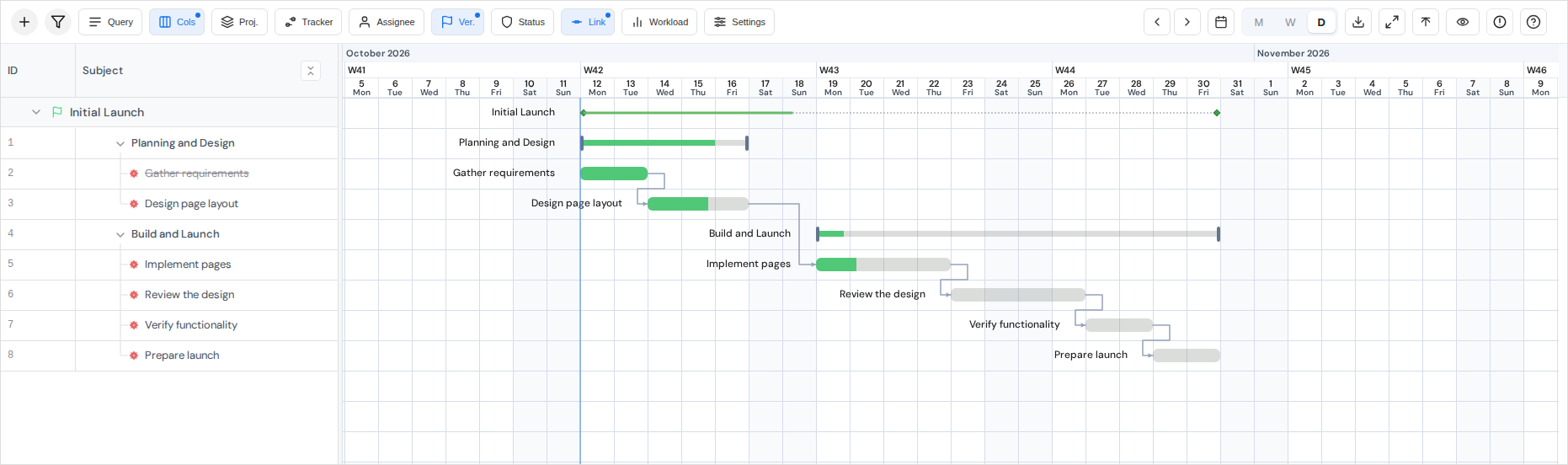
Canvas Gantt lets you view and edit Redmine issues on a Gantt chart. See Introduction for its main features and Basic operations for the screen controls.
Requirements
The plugin targets Redmine 6.0, 6.1, and 7.0 with desktop browsers. Check the supported environment; administrators can then follow Installation and setup.
Screenshots and videos
Some images and videos were captured with earlier versions. Controls and display settings may differ in v0.19.0. Follow the text on each page for the current steps.